
Local-first
Runs with Ollama on your machine by default. Your data stays local; optionally plug in OpenAI or other cloud models via config.
Local-first AI
Corque is a local-first personal AI that runs on your machine. Chat in natural language—manage todos, email, weather, run code, and more. Extend it with tools and skills.
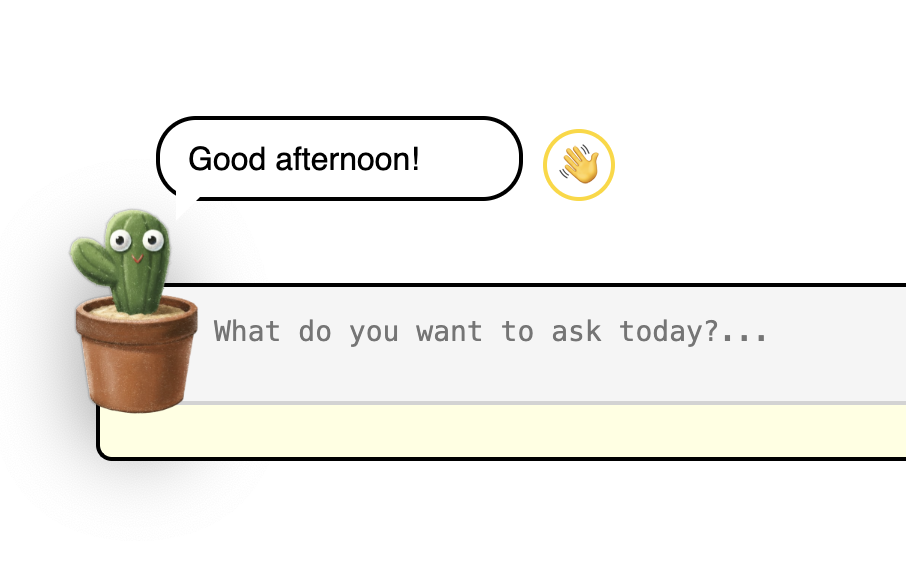
Runs with Ollama on your machine by default. Your data stays local; optionally plug in OpenAI or other cloud models via config.
Built on LangChain + LangGraph. You talk → the model picks tools → runs them → replies in plain language. Todos, email, weather, code, search, and more.
Extensible skill packs in Markdown define workflows and when to use which tools. Add your own tools and skills to shape one assistant that can do it all.
Clone the repo, install dependencies, then run the app. You get a chat loop in your terminal—no code to write.
python main.pyOn Windows you can double-click run.bat. When you see "Corque is ready to assist you!", start typing. Type quit to exit.
Everything you need to run Corque, understand its design, and extend it.
Prerequisites
gpt-oss:120b-cloud; change in config/settings.py if needed)1. Get the repo
Clone or download: github.com/StDoses72/Corque-AI-agent
2. Install dependencies
pip install langchain langchain-ollama langgraph python-dotenv tzlocal tavily-python3. Optional: environment variables
Create a .env file in the project root for email and optional APIs:
EMAIL_USER=your-email@example.com
EMAIL_PASS=your-email-password
SMTP_SERVER=smtp.example.com
IMAP_SERVER=imap.example.com
TAVILY_API_KEY=your-tavily-api-key   # Optional, for web search
OPENAI_API_KEY=your-openai-key      # Optional, to use OpenAI
For Gmail use smtp.gmail.com and imap.gmail.com; you’ll need an app password.
4. Run Corque
On Windows: double-click run.bat. Otherwise:
python main.pyWhen you see “Corque is ready to assist you!”, start chatting. Type quit to exit.
Tools (the “hands”): Python functions decorated with @tool. The docstring is the contract: when to use the tool, parameters, and return shape. On failure, return "Error: ..." instead of raising. Keys and paths come from config.settings; use timeTools for time.
Skills (the “brain”): Markdown files in skills/ that describe workflows and when to call which tools. The agent gets skill names and short descriptions in the system prompt, then calls load_skill(skill_name) to pull full content when needed.
Flow:
One-command examples you can copy and run:
Browse built-in tools and skills. Filter by category to see what’s available and how to combine them.
coding_agent — write → generate → run → fix flowCat_persona, skillArchitect, toolArchitect — personas and design helpersskills/*.md for new workflows.